Controls
Turn the on-screen wheel and hold Drive or Reverse. Release both to brake. Keys: Up or W drives, Down or S reverses, Left and Right or A and D steer, Space brakes, R retries the bay. P or Esc pauses.
How to play Parking Master
Each level is a parking spot and a car that does not slide sideways. The front wheels steer, so the car turns in a circle whether you are going forward or back. Hold Drive or Reverse, steer, and let go to brake.
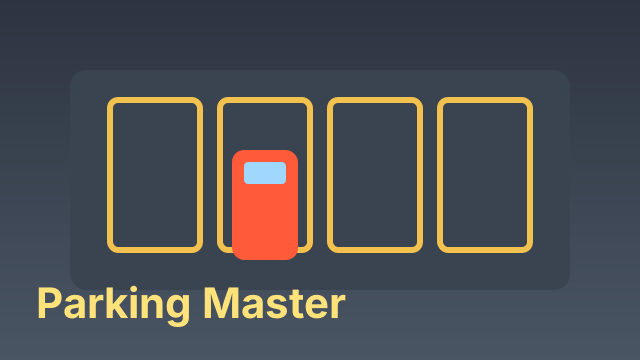
The bay glows. Park the whole car inside it, pointing the way the arrows on the ground point, and stop. Touch another car, a cone, a wall or the kerb and that attempt is scratched.
Bays and stars
Early bays are a straight pull-in. Later ones are parallel parks, reverse garages and three-point turns between parked cars. A stop that is straight and centred earns three stars. A car that is in the bay but crooked earns fewer.
You can retry a bay as many times as you like. Levels open one after another.
Tips and tricks
- Reverse into a tight bay. You can see the nose swing, and the kerb is easier to judge.
- Counter-steer as the car straightens or you will swing past the arrows.
- Brake before the bumper crosses the line. Rolling in neutral still counts as a scratch if you touch.
- Stuck against a car? Watch a short ad to rewind the last few seconds of the park. Skip it and you get nothing, but the button stays so you can try again.
FAQ
Is Parking Master free?
Yes. It is free to play in your browser, with no download and no account.
Can I play on a phone or tablet?
Yes. Turn the steering wheel on the screen and hold the Drive or Reverse button.
Why does the car not move sideways?
It steers like a real car, from the front wheels. To shuffle sideways you drive forward, turn, reverse and turn back.
Is my progress saved?
Your cleared bays and stars are saved in your browser on this device.